
 HQ/EMEAFind out how we can help your business

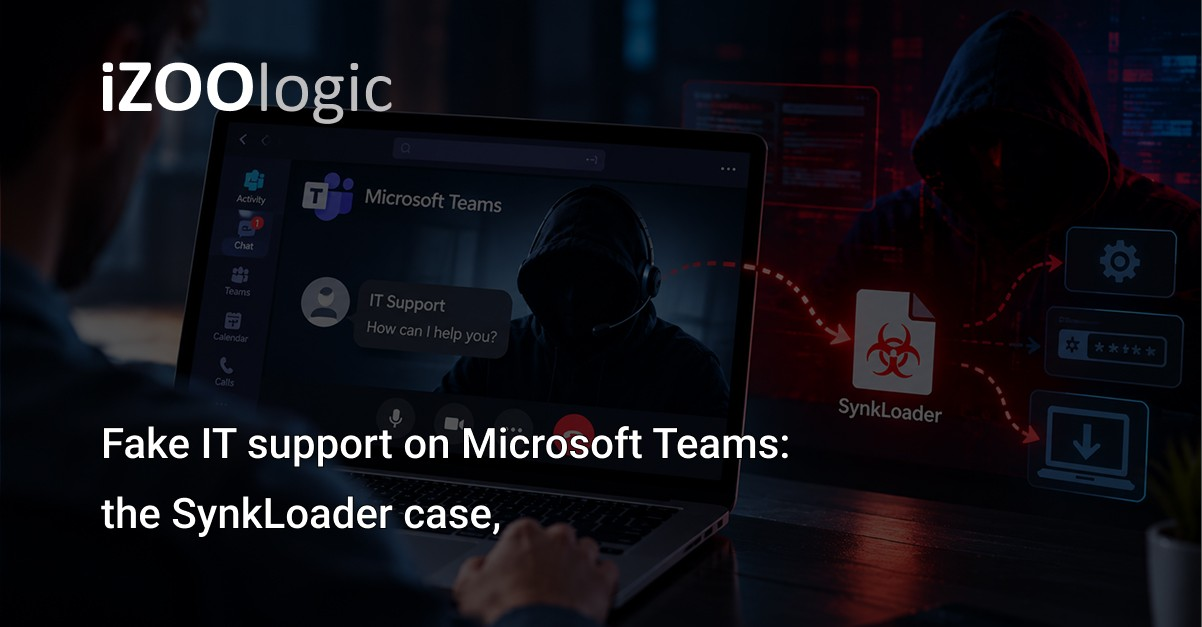
An attacker posing as IT support on Microsoft Teams persuaded an employee to install SynkLoader malware disguised as a cleanup tool. Expel documented the case in its August 20, 2026 investigation.
Organizations need a reliable way for employees to verify unexpected support requests before installing software or granting access. A familiar collaboration platform can carry a request from someone who has no authority to make it.
How the SynkLoader attack unfolded
The sender used the name “IT Service Desk” and directed the employee to a supposed PowerShell Cleaner installer hosted on Microsoft Azure Blob Storage. The installer launched a sequence involving PowerShell and a Python loader. A loader runs additional malicious components, allowing an attacker to extend what an infected device can do.
Expel recovered Teams metadata, but not the full conversation. Researchers then emulated an infected environment to obtain further components. PhishLocker imitates a Windows lock screen to solicit a password. TrafficRedirector routes connections through the infected computer, potentially providing a path to systems reachable from that device.
These findings describe capabilities identified during the investigation and testing. They do not establish that every component ran on the original employee’s device, that a password was captured, or that ransomware was deployed. Expel did not identify the operator.
Why support impersonation deserves attention
The case combined a familiar support identity with a Microsoft-hosted download. Neither established that the sender or software was authorized.
iZOOlogic previously covered Black Basta’s use of Teams support impersonation in 2024. That earlier reporting provides context for the repeated tactic. Similar delivery methods alone do not establish that the same operator was responsible for SynkLoader.
The business issue is how authority is checked during an ordinary workday. An employee may be accustomed to following IT instructions quickly, particularly when a request appears to address a technical problem. Microsoft’s separate investigation of Teams support impersonation describes how attackers exploit that expectation. Organizations should make verification a normal part of support, so staff can pause an unexpected request without feeling they are obstructing legitimate work.
What employees and IT teams should do
Verify the request through an established channel. Before following an unexpected instruction to install software or grant access, contact the help desk through its known number, service portal, or internal directory. Use details already held by the organization. Confirm both the person’s identity and the specific task. Asking the same unverified sender to confirm their own request leaves the original uncertainty unresolved.
Review who can contact staff on Teams. Administrators should check Teams external-access settings against business needs. Restricting communication to approved external domains can reduce unwanted contact where practical. Review personal Teams accounts not managed by an organization separately, because domain restrictions do not cover every external-access setting. Coordinate changes with teams that depend on customers or suppliers using Teams, and keep support verification in place for permitted contacts.
Report the interaction and preserve useful details. Employees should tell security whether they only received the request, downloaded a file, ran it, entered credentials, or granted access. Preserve the sender’s details, message time, download link, and filename through the approved reporting channel. That distinction helps responders establish what requires investigation. Staff should avoid reopening the file to demonstrate what happened.
Investigate the device and any affected account. If the installer ran, security teams should contain the device under their incident response procedure and preserve evidence. Microsoft’s endpoint response guidance covers isolation and investigation data, including processes, network connections, and scheduled tasks. If account compromise is suspected, responders should investigate sign-ins and apply the appropriate account recovery steps, including blocking attacker access, resetting compromised credentials, and revoking relevant sessions.
IT and security teams should make the approved support channel easy to find and include unexpected Teams requests in staff training. Employees need to know how to verify a request and what to report if they have already acted on it.
